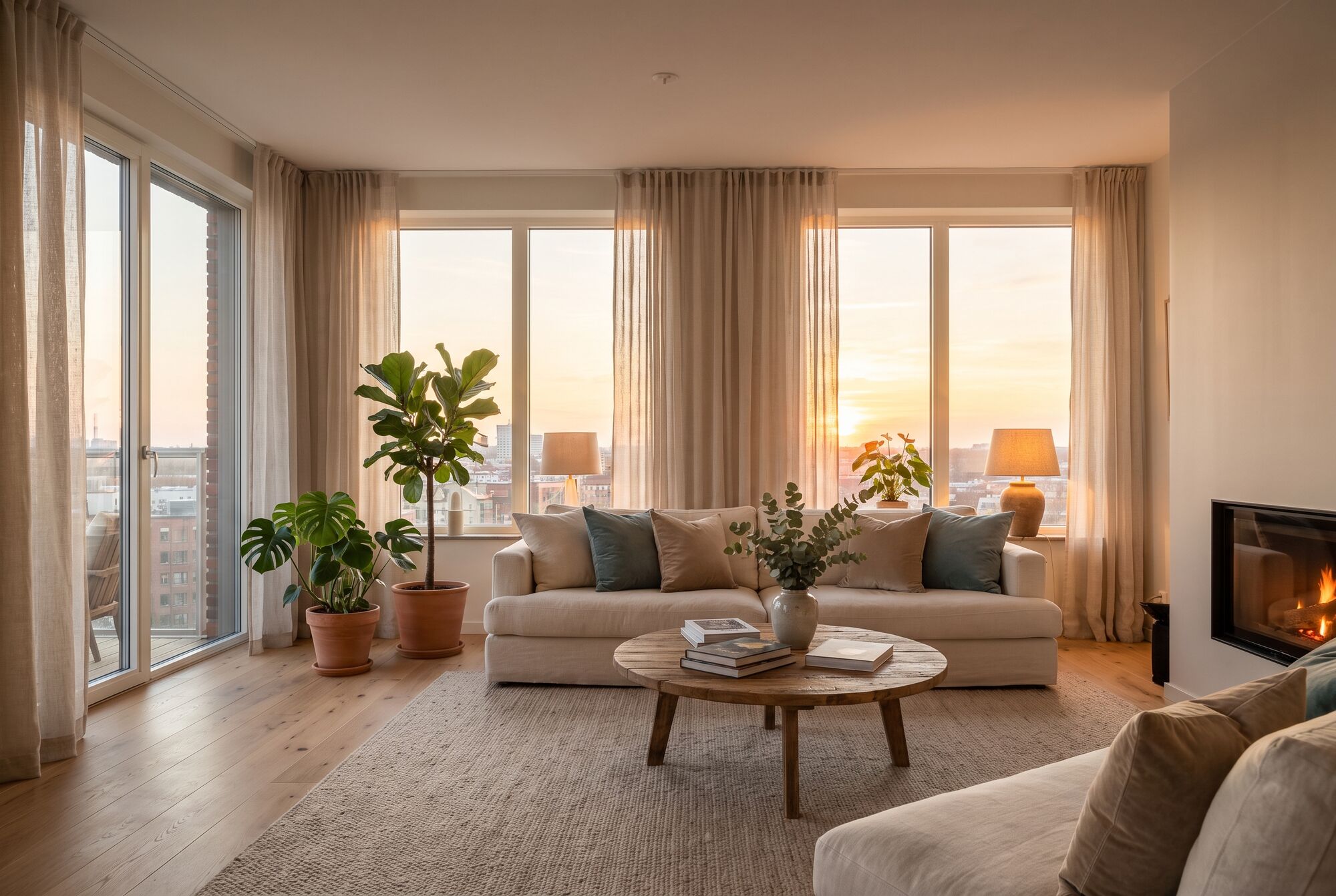
Photoreal, from every angle
Light, reflections, and texture come from your own footage. Turn around, lean into a doorway, look up at the ceiling. It holds together because it was measured from real frames.
Walkable 3D home tours
Record a walkthrough on your phone, or upload the photos you already have. We rebuild the home in photoreal 3D so buyers can walk every room like a game, from any phone or computer.
See how a tour is madeA video gives the most complete result. Photos work too.
How a tour is made
Your recording is the source of truth. The 3D scene is measured from it, not imagined, which is why it looks like your home and not a model of one.
The full processWalk slowly through each room with your phone, or photograph every room from a few spots. The capture guide shows the path that works best.
Add the video or photos with the address. Large files upload straight to storage, so a long walkthrough doesn't need a fast connection to finish.
Software works out where every frame was taken, then builds a photoreal 3D scene from millions of tiny points of color. Nothing is painted in by hand.
Some frames are held back from the build. The finished scene is rendered from those exact spots and compared with the real frames before a tour is published.
Post it on your listing, text it to buyers, or embed it on a website. The tour opens in the browser, with nothing to install.
Inside a tour
Most virtual tours jump between fixed spots. Here you move freely through a continuous 3D copy of the home, the way you would in a video game.
Light, reflections, and texture come from your own footage. Turn around, lean into a doorway, look up at the ceiling. It holds together because it was measured from real frames.
Walk mode keeps visitors at eye height. On a computer, drag to look and use W A S D or the arrow keys. On a phone, one thumb walks and the other looks around.
A room list and a small floor plan let visitors go straight to the kitchen or the primary bedroom, then keep walking from there.
Tours stream in detail as you move, so the first room appears quickly and the rest fills in. It runs in the browser on most phones from the last several years.
What to record
3D is rebuilt from what the camera saw. A room seen from many angles comes out complete; a corner nobody filmed can't be shown accurately.
Who it's for
Show buyers the whole home before they drive over. Record it yourself on a weekend afternoon, and the tour works anywhere your listing does.
Create a tourAdd a walkable tour to your listings from the footage you already shoot. Branded and unbranded links for every tour, and embeds for your own site.
Capture guide for prosTours are part of Invisihome, a direct marketplace for off-market homes. Every tour carries a quiet link back to it.
Visit the marketplaceQuestions
It is built from your footage, so the rooms, light, and finishes are your own. The one limit is coverage: a corner the camera never saw can't be shown accurately. Before a tour is published we compare it with frames held back from the build, and we ask for a reshoot of any room that falls short.
A recent phone is enough. Record in 4K if you can, turn on every light, open the blinds, and walk slowly. The capture guide has the full checklist and the path to follow through each room.
Walk mode keeps visitors at eye height, moving through the home like a game character. Processed tours also include the room boundaries, so visitors stay inside the rooms instead of drifting through a wall.
Yes. Tours run in the browser on most phones from the last several years. One thumb walks, the other looks around, and detail streams in as you move so the first room shows up quickly.
Yes. Every tour has a link you can paste into a listing's virtual tour field and an embed code for websites. Many MLSs require an unbranded tour link, so each tour also has an unbranded version. Check your own MLS rules before posting.
Put away personal photos, documents, and anything with your name on it before recording. Tours are reviewed before they go public, and you decide who you share the link with.
Processing is opening soon. Timing depends on the size of the home, and we will post real processing times and pricing before the first tours are delivered, rather than guess at them here.
Ready when you are
Set up your tour, check your footage against the guide, and have it ready for the day processing opens.